The sheet music reader Android musicians have been waiting for.
Lectern is a professional sheet music reader for Android, built for musicians who care about their craft, and their tools. A clean, fast reading experience, powerful organization and annotation, and nothing that gets between you and the music.

Reviews
- “The ultimate app for musicians who use tablets for their sheet music. A library, a super-complete reader and editor, with a metronome and tuner. What more could you ask for?!” — Elena Domínguez Rodríguez, Translated from Spanish
- “Wonderful sheet music app for Android. Worked well on both my regular tablet as well as my Boox e-ink tablet with finger drawing and Boox pen support for annotations. Also works perfectly with my Airturn pedal for page turns. Essential for musicians!” — Francis Nimick
- “I've been using this for a while and found the learning curve a bit steeper than the 5 minute claim suggests. However, once I had got my head around it, I realsed just how powerful the app is. It does exactly what I need it to do in a very streamlined flow. Dev response is great; I found one annoying feature, contacted the dev and my request had been implemented with 48 hours. I strongly recommend you try this app out.” — Nick Snowden
- “Finally a good alternative on android. Before I bought an ipad, because the sheetmusic software on android was very poor, but this app I really like. It looks good, it works very well, and it does almost everything I need. Now I can get rid of my ipad.” — Christian Tan (Nakedcellist)
Features
Everything you wanted from a digital sheet music library
You shouldn't have to think about the tool you're using. It should just work.
Powerful organization tools
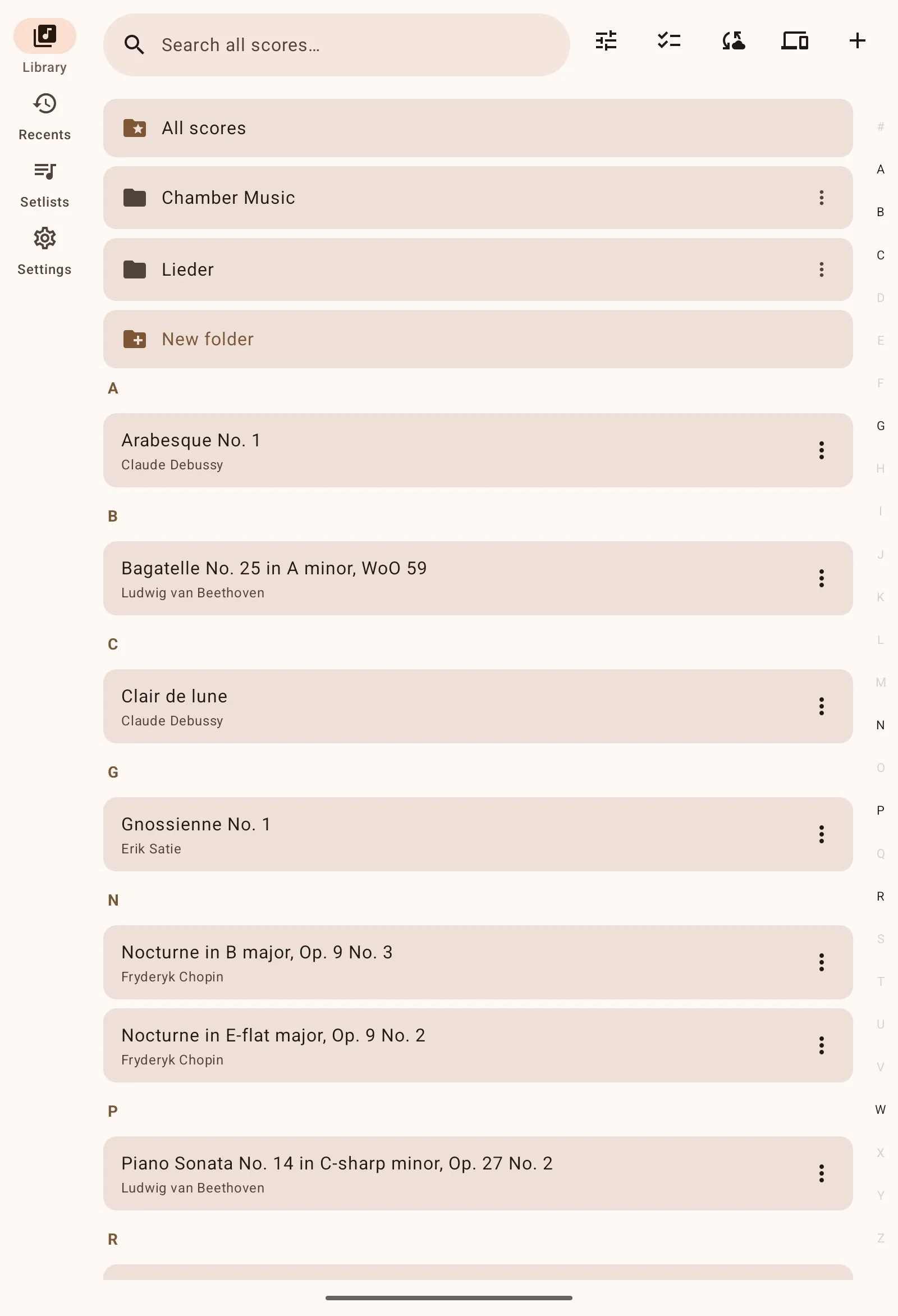
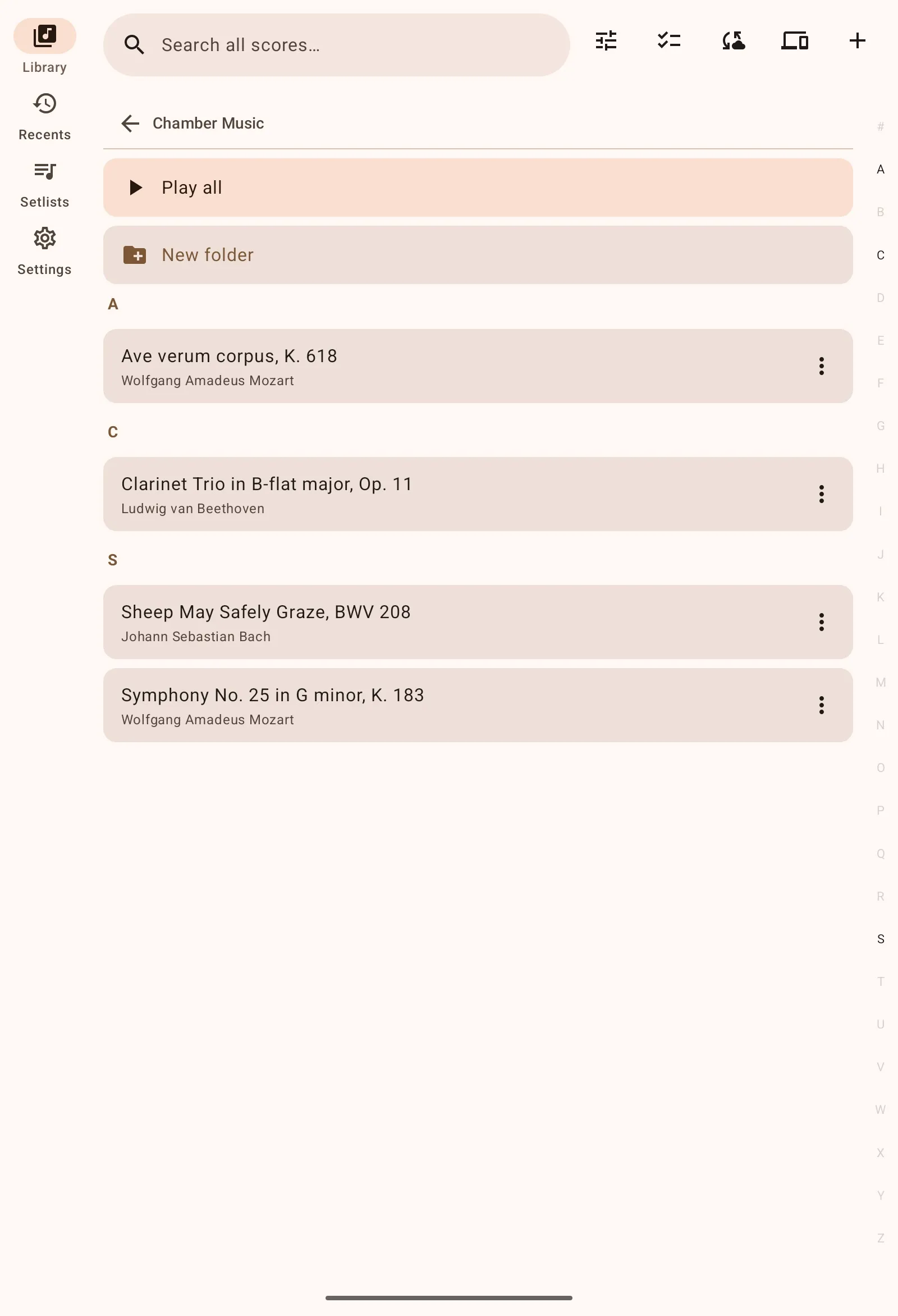
Folder structure based library that lets you organize your way
Robust annotations
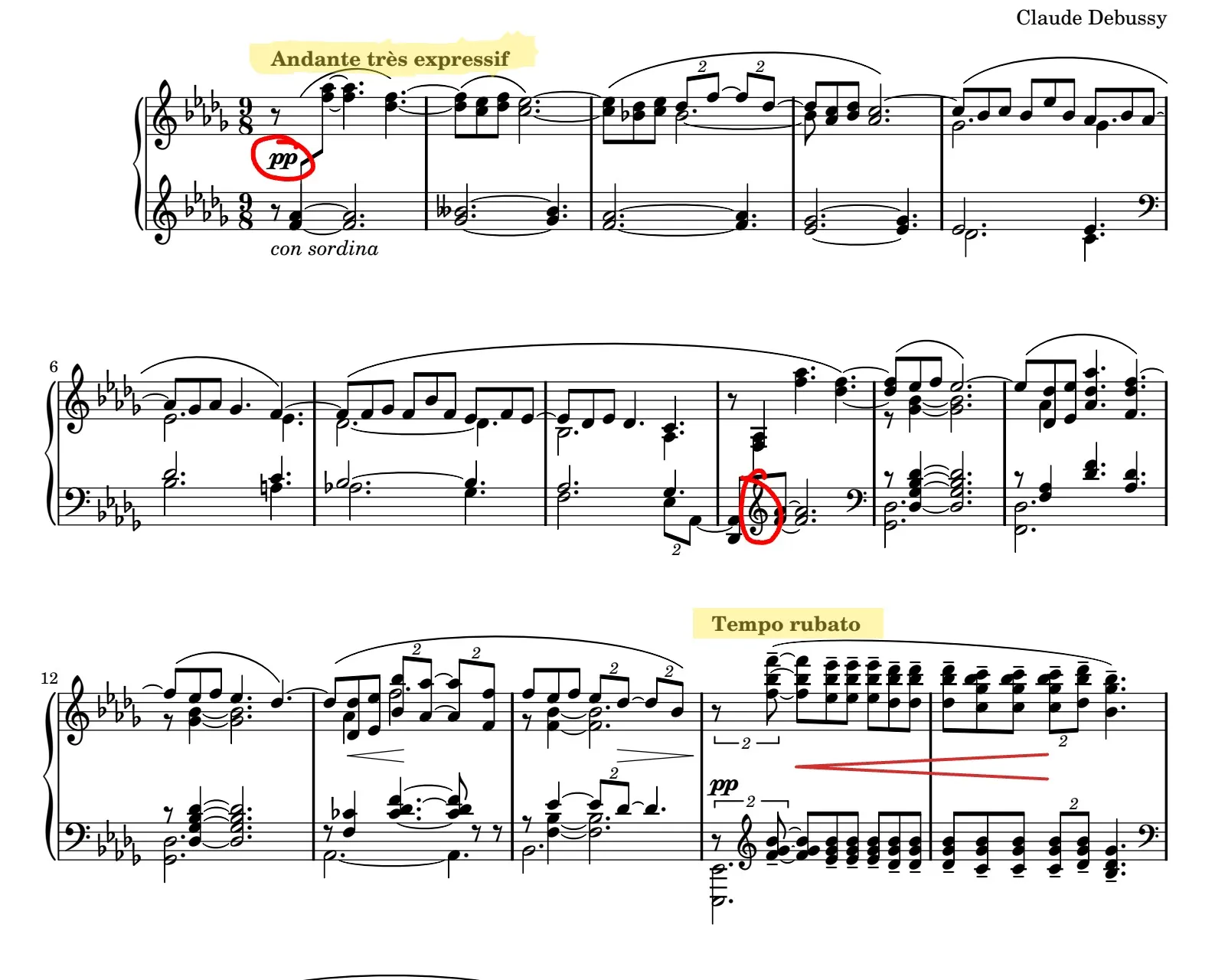
Snappy, easy to use annotations and notes that can be shared to everyone who needs them
Developer support
Committed developer support from a musician who regularly uses the app himself
Folders and tags
Create folders by composer, ensemble or genre, and tag pieces by difficulty, key or instrumentation. Sort and filter your whole library in seconds, whether you have 10 scores or 10,000.
Annotations with a finger or stylus
Draw with a pen or highlighter, add text notes, and stamp notation: fingerings, bowings, dynamics, hairpins, slurs and more. Annotations live in layers, so a teacher's markings can sit beside your own.
Page turners, MIDI and face gestures
Turn pages hands-free with a Bluetooth pedal such as AirTurn, with any MIDI controller using MIDI learn, or with face gestures: the front camera watches for a head turn or an open mouth, and nothing is recorded. Map each control to next page, previous page, fullscreen, drawing mode, undo and redo.
Setlists
Build setlists ahead of a gig or rehearsal so the next piece is always one tap away. Share a setlist with the rest of the band as a file.
Page links and bookmarks
Jump across repeats, codas and da capos with page links, and bookmark movements inside long PDFs so a 200-page collection navigates like a book.
Google Drive and Dropbox backup
Connect Google Drive or Dropbox to back up your scores, annotations and setlists and keep them in sync across devices. Your files stay in your own cloud storage.
Tuner and metronome
A built-in tuner and metronome mean one fewer app to open before you play. Save a tempo on each score.
In your language
Lectern is available in 13 languages: English, German, Spanish, French, Italian, Dutch, Polish, Portuguese (European and Brazilian), Japanese, Korean, Chinese (Simplified) and Russian.
Pricing
Free to start. One purchase for everything.
Free
$0
- Up to 10 scores
- Up to 3 folders
- Full reading and annotation tools
Lectern Pro
One-time purchase
No subscription. Pay once on Google Play and keep it; Google Play shows the price in your currency.
- Unlimited scores and folders
- Everything in Free
- All future updates
FAQ
Frequently asked questions
Which Android devices does Lectern run on?
Any device on Android 7.0 or newer. Lectern is designed for tablets and phones, with a layout for each.
Is there a subscription?
No. Lectern is free for up to 10 scores and 3 folders. Lectern Pro removes those limits for a single one-time purchase on Google Play.
Do Bluetooth page turners work with Lectern?
Yes. All major Bluetooth page turners work, and you choose what each pedal does. MIDI controllers work too, via MIDI learn.
Can I move my library from MobileSheets?
Yes. Lectern imports a MobileSheets backup file (.msb), including your scores and library structure.
Where are my files stored?
On your device. Import copies a PDF into Lectern's library, or you can watch a folder: Lectern keeps the library in step with the PDFs you keep there, so a file you add, replace or remove shows up on its own. If you connect Google Drive or Dropbox, backups go into your own cloud storage account; Lectern has no servers that hold your music.
Is there an iPad or iPhone version?
Not yet. Lectern is Android only for now.
Built by a musician, for musicians
Lectern was created by a software engineer who got tired of compromising. If you've ever wished Android had a sheet music reader worth using, this is it.
Download For Free